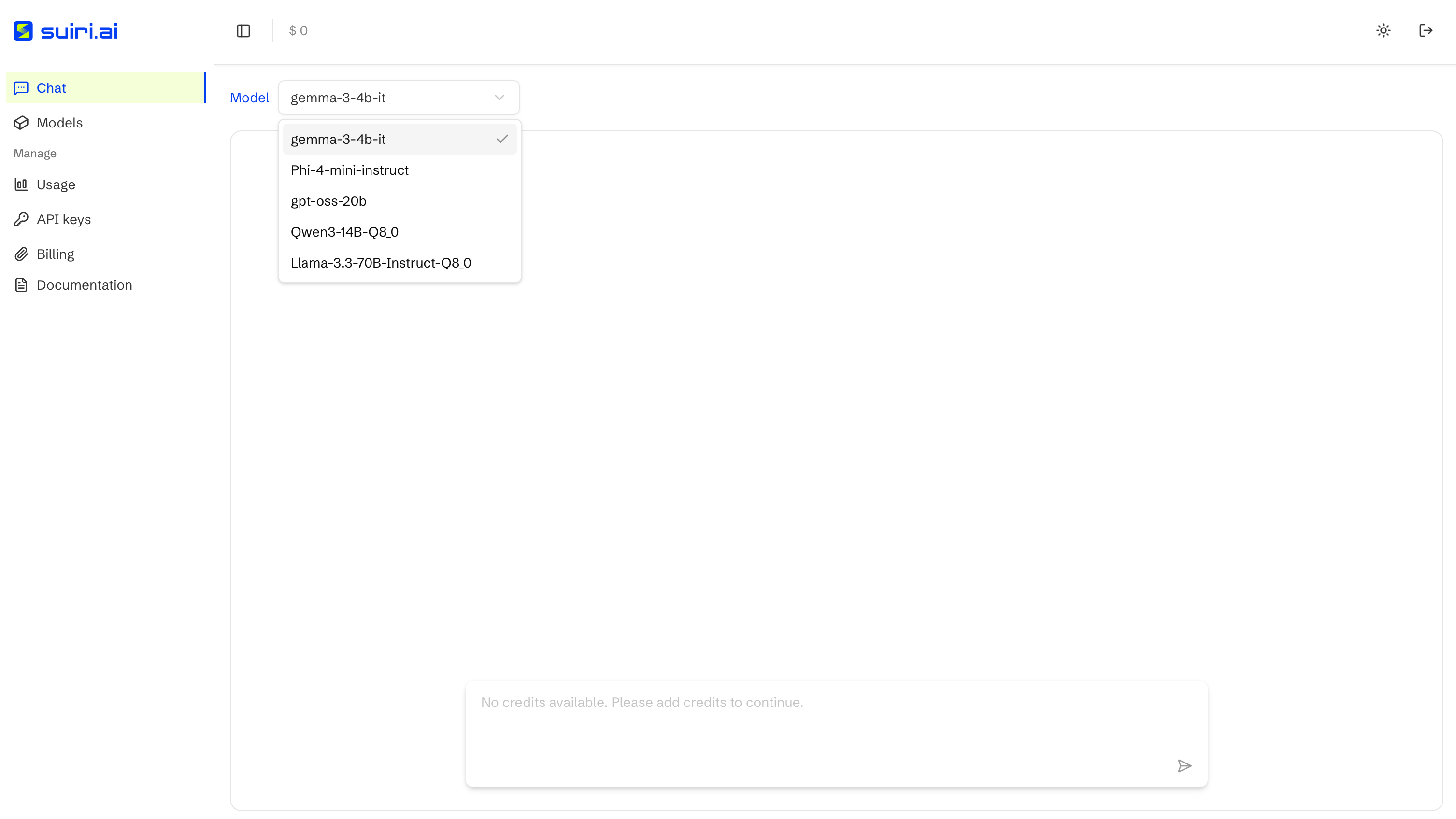
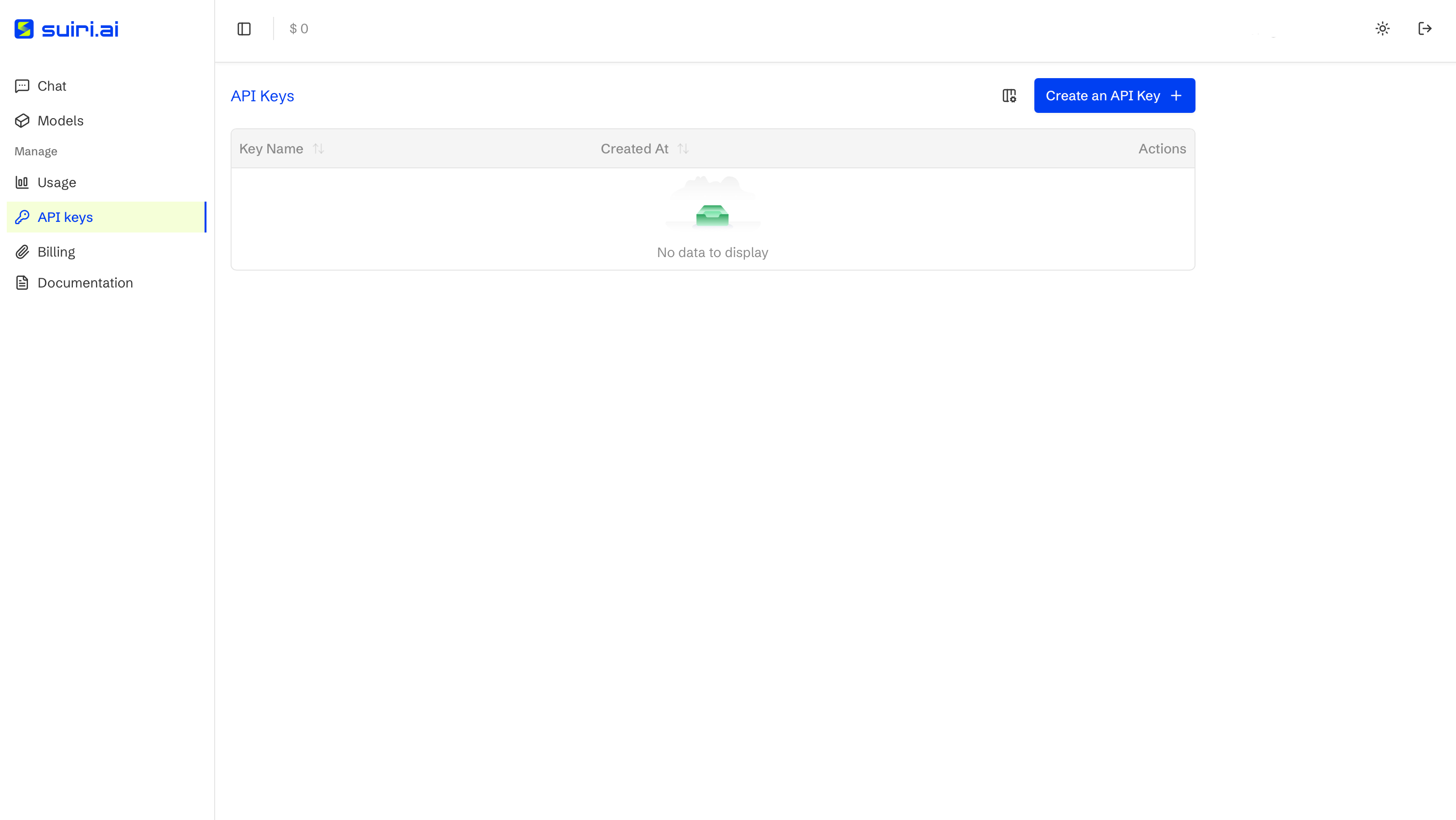
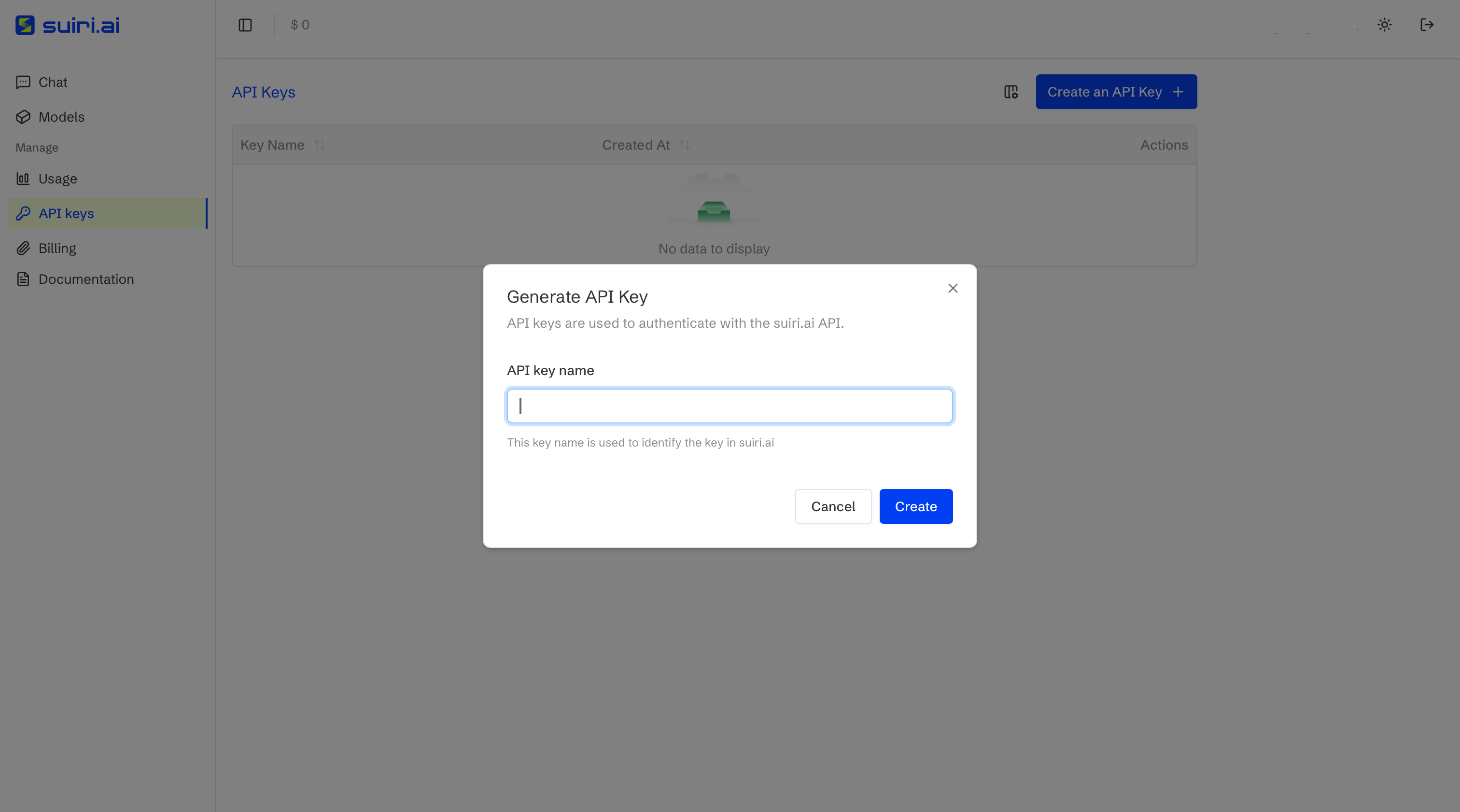
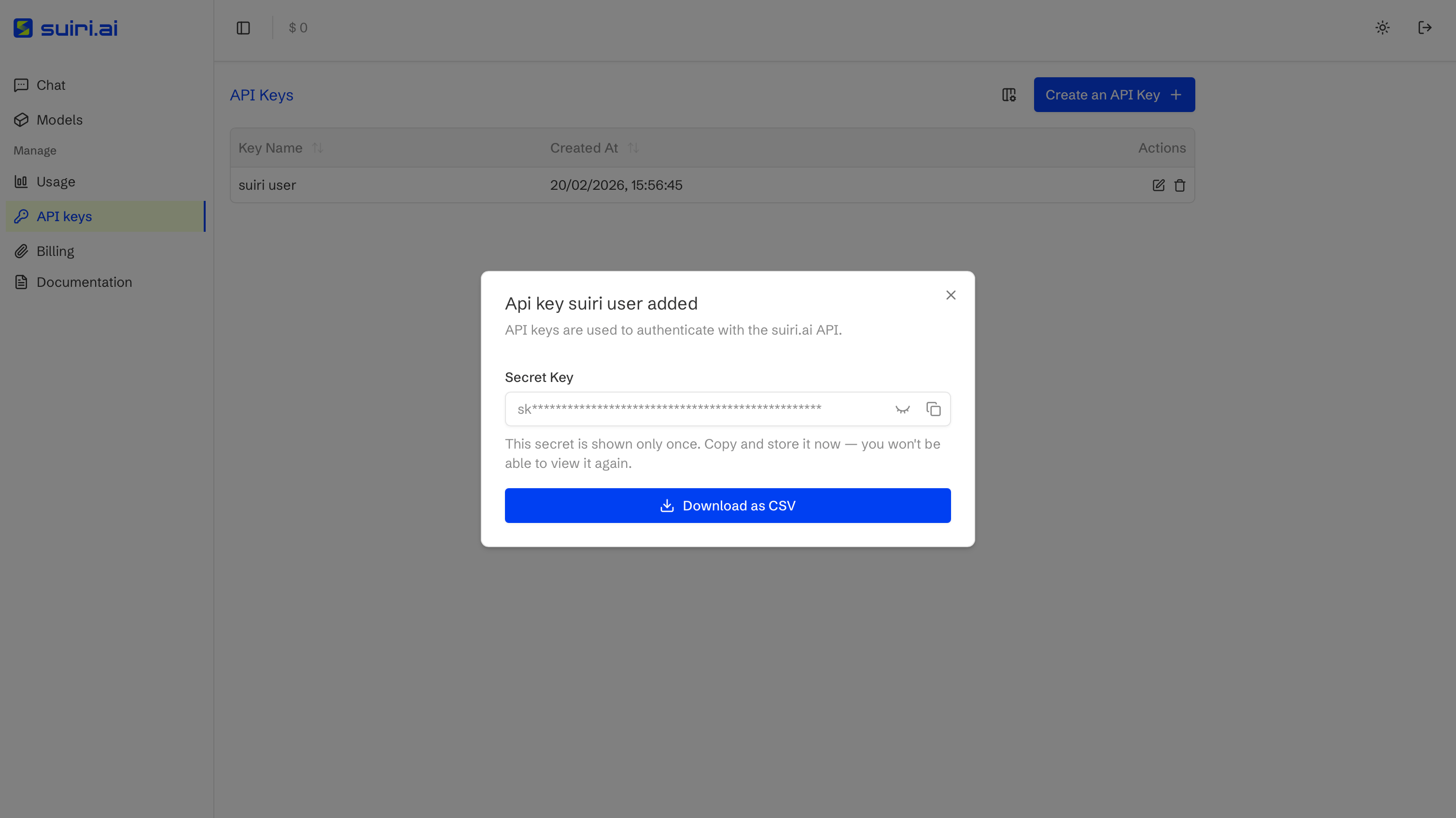
API keys listAPI keys are created and managed through the API Keys section of the dashboard.Create a new keyProvide a name when generating a new API key.Copy and store your keyThe secret key is displayed only once and must be stored securely.
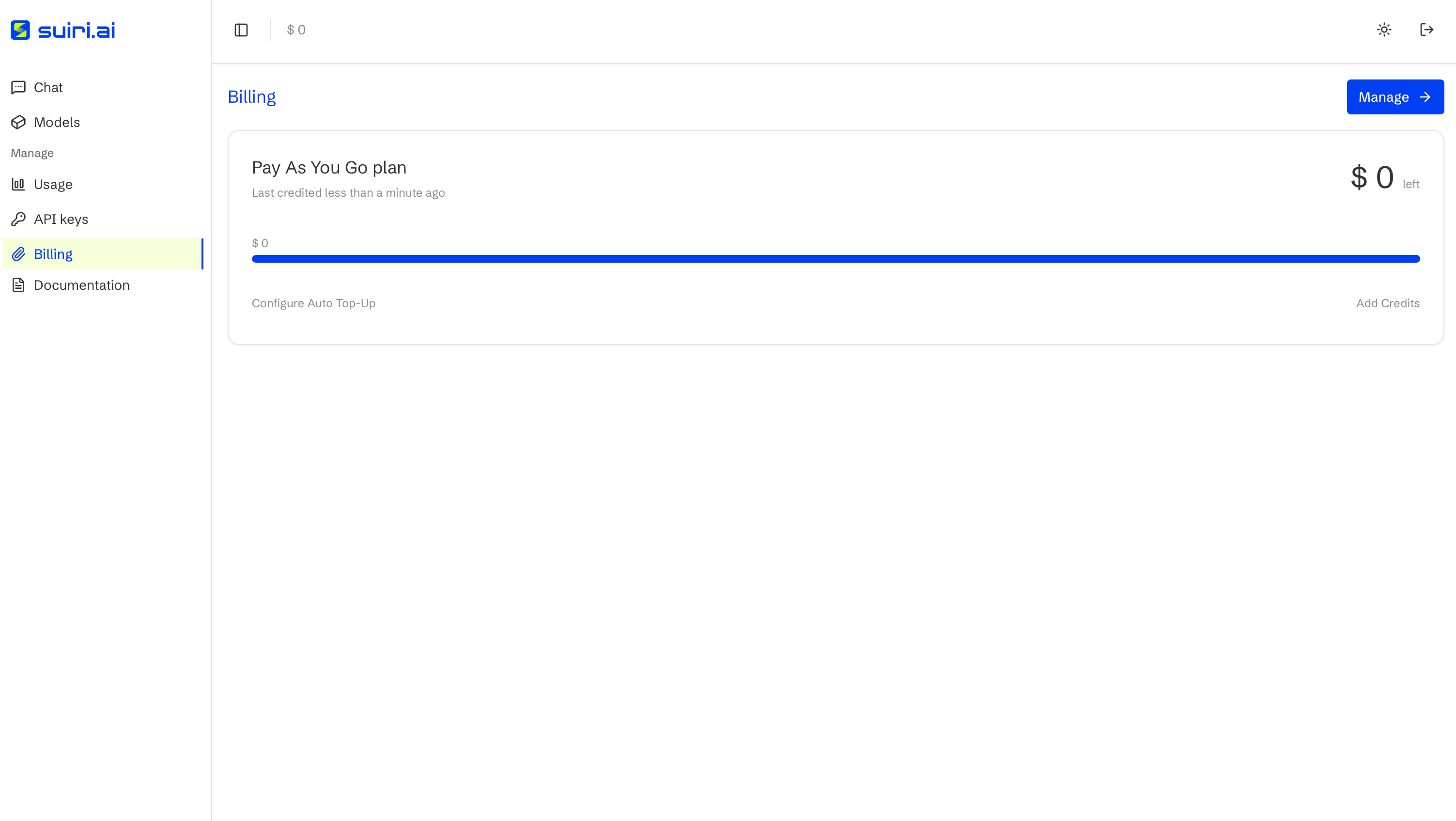
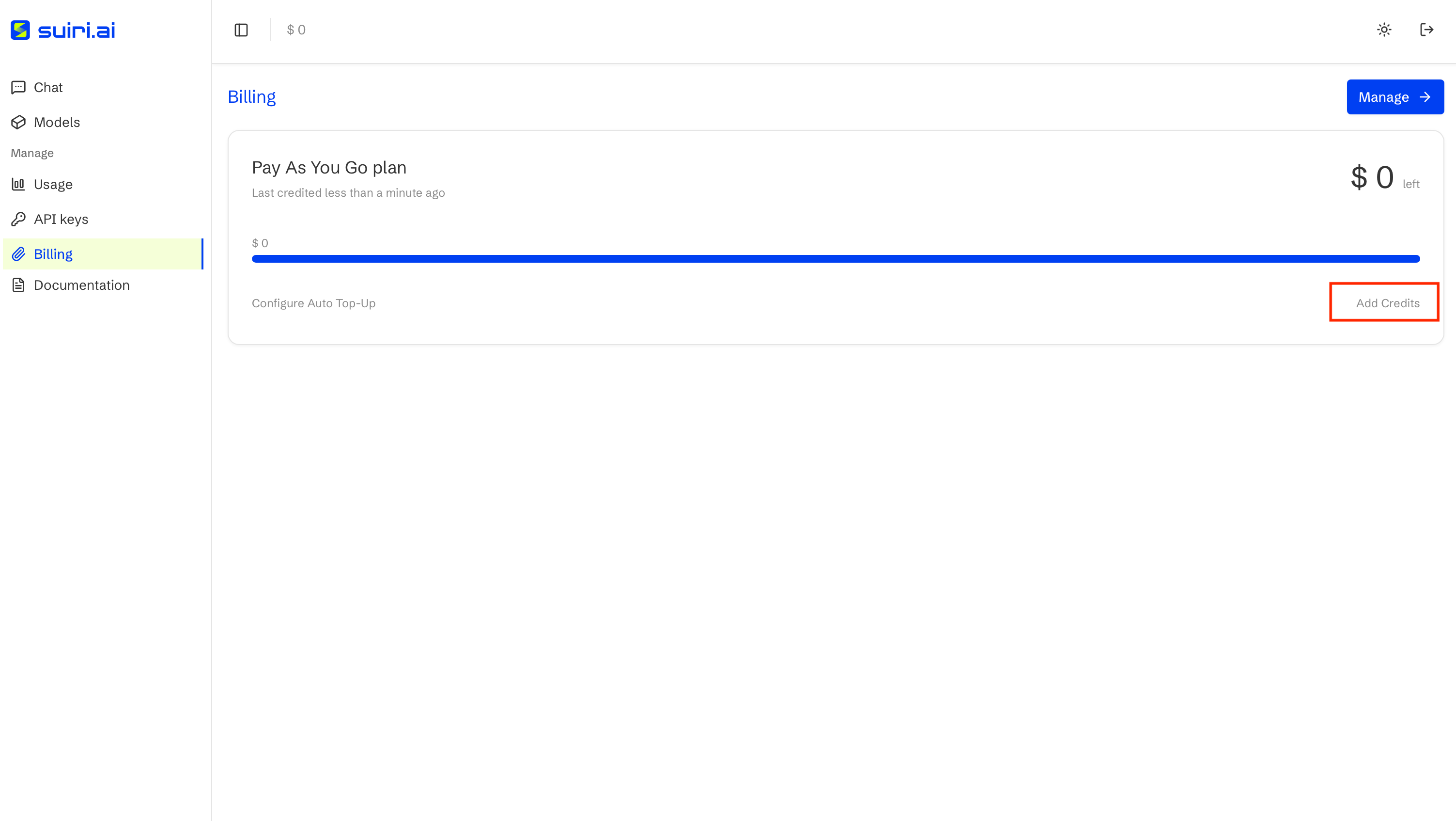
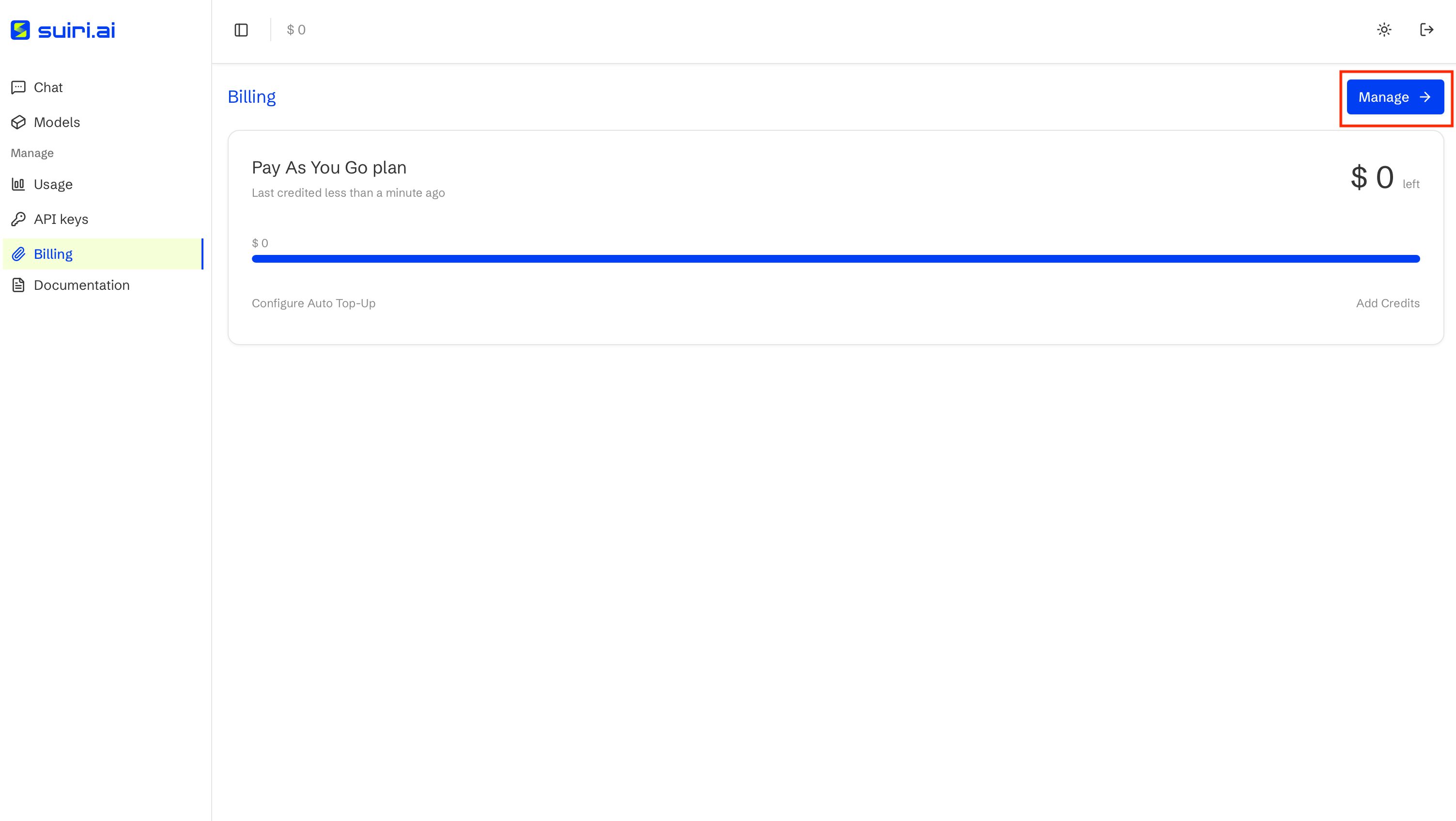
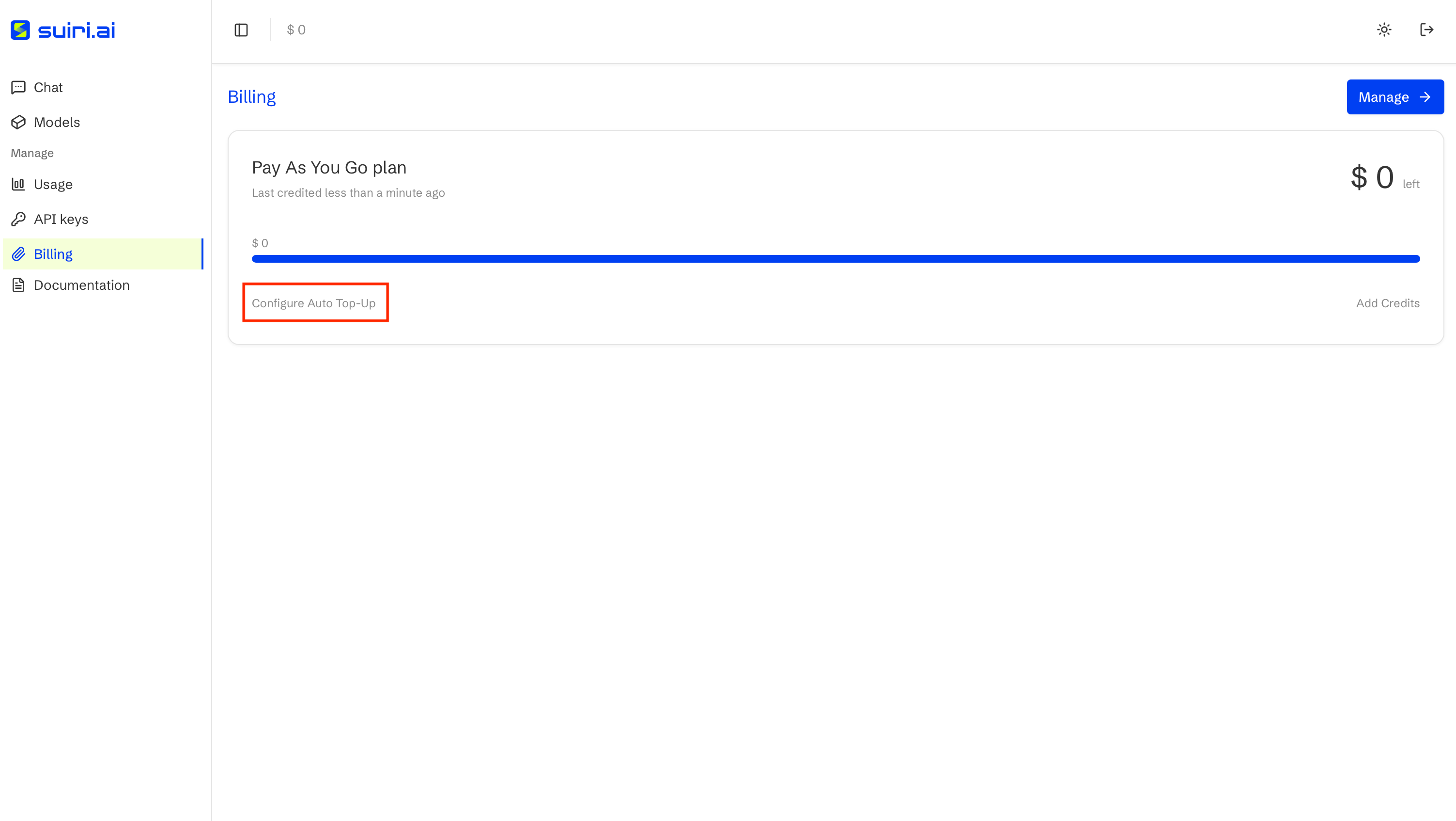
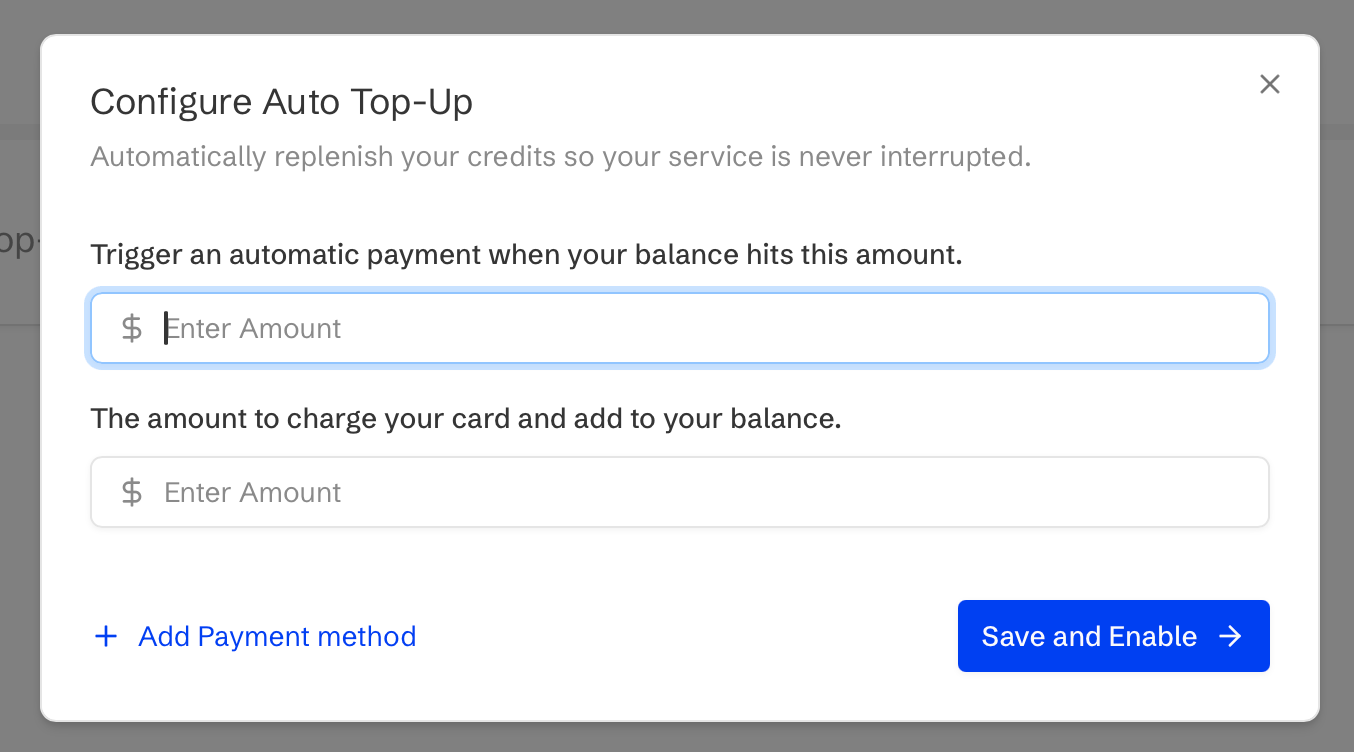
Billing overviewBilling is usage-based and credits must be added before running inference requests.All payments are securely handled by Stripe Payment Gateway.Credit Cards can be managed with Manage button.The current balance credit available for inferencing is also available on this page.Auto Top-UpSuiri can be configured to automatically replenish your credits so that your service is never interrupted. A lower threshold for balance credits and the amount to charge your card to add to the balance when the threshold is reached can be configured.